
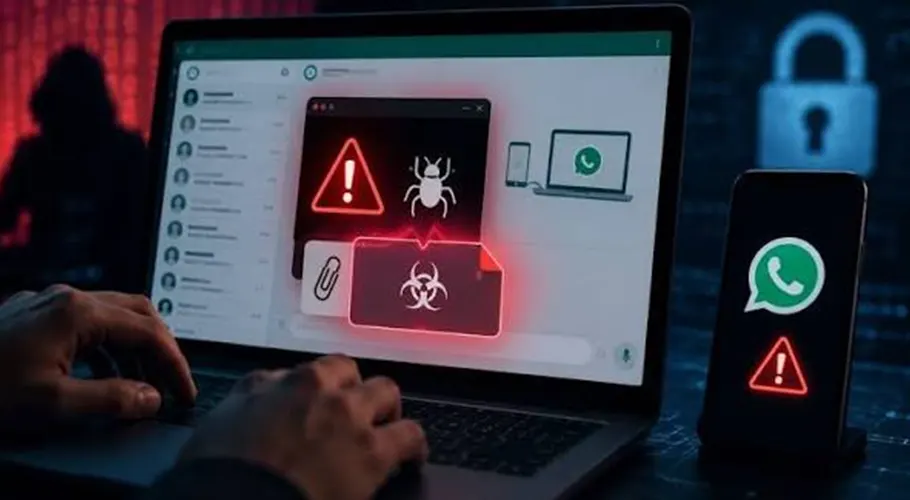
ISLAMABAD: Pakistan’s National Cyber Emergency Response Team (NCERT) has issued a high-alert cybersecurity advisory warning of potential phishing and malware attacks through WhatsApp Web, WhatsApp Desktop and email.
The agency has cautioned that malicious files disguised as official government documents could compromise Windows-based computers and expose sensitive information to unauthorised access.
According to the advisory, cybercriminals may impersonate government officials and departments to distribute files that appear to be legitimate official documents. Opening such files could compromise system security and put confidential information at risk.
Hackers Could Steal Passwords and Sensitive Information
NCERT has warned that a system infected with malicious files could allow attackers to gain remote access, steal passwords and extract confidential data.
The advisory also highlights the risk of WhatsApp Web session hijacking. In such cases, attackers could misuse a victim’s account or identity to send fraudulent messages to their contacts, potentially exposing others to further cyber threats.
Warning Signs WhatsApp Users Should Not Ignore
According to the cybersecurity agency, unexpected messages or files received from familiar phone numbers may indicate a targeted attack.
The appearance of an unfamiliar device in WhatsApp’s Linked Devices section could also signal unauthorised access to an account.
Users have been advised to independently verify the sender’s identity before opening suspicious links or files, even when a message appears to come from someone they know.
Special Instructions for Government Officials
The advisory specifically urges government officials who handle sensitive information to avoid using WhatsApp Web and WhatsApp Desktop on Windows-based systems.
Users have also been instructed to immediately terminate any suspicious WhatsApp Web sessions. In addition, they should avoid transferring files received through WhatsApp to official Windows computers.
How to Protect Yourself Against Cyberattacks
NCERT has recommended the following precautions to reduce the risk of phishing, malware infections and account compromise:
Avoid suspicious files and links: Do not open unexpected attachments or documents received from unverified sources.
Protect passwords and verification codes: Never share passwords, one-time passwords (OTPs) or account verification codes with anyone.
Keep software updated: Install the latest updates for Windows, web browsers and other software.
Enable additional security: Activate two-factor authentication where available and enable WhatsApp’s two-step verification feature.
Review linked devices: Regularly check the devices connected to your WhatsApp account and remove any unfamiliar devices.
Verify unexpected messages: Contact the sender through another trusted channel before responding to unusual requests or opening attachments.
What to Do If Your Computer or Account May Be Compromised
The advisory recommends immediately disconnecting a suspected infected device from the internet and other networks to help limit further damage.
Users should preserve relevant messages and system logs as potential evidence and avoid reopening suspicious files.
A security assessment of the affected system is also advisable to identify possible compromise and determine the appropriate recovery measures.
Maintaining updated software, using strong authentication methods and promptly identifying suspicious activity are important steps in protecting digital accounts and sensitive information against cyber threats.