
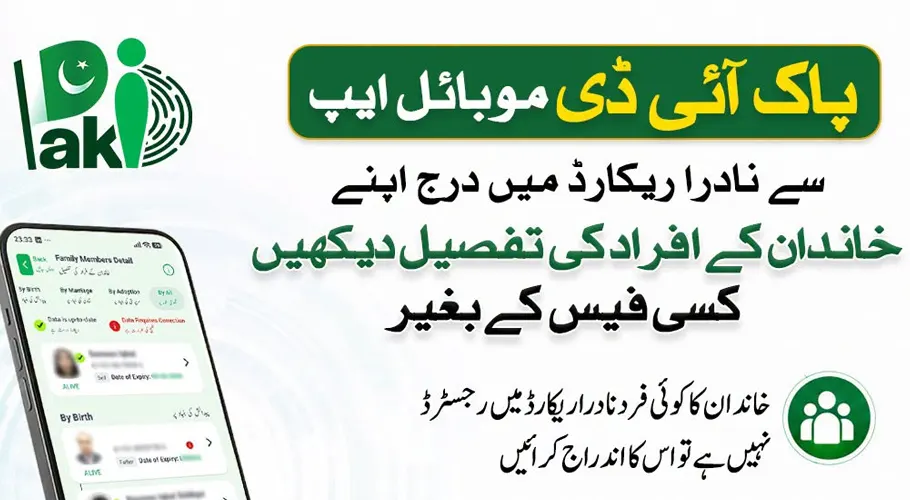
The National Database and Registration Authority (NADRA) has provided citizens with a free facility to view the details of family members registered in their official records through the Pak ID mobile application.
Citizens can check their family information by logging into their Pak ID account and accessing the family section. The feature allows users to review their registered family members and verify that the information in NADRA records is accurate.
Steps to check family details through Pak ID App
To access family records, users need to follow these steps:
- Open the Pak ID App on a mobile phone.
- Log in using the registered Pak ID account details.
- Open the family-related section from the available options.
- Select the “Family Composition” (خاندانی شجرہ) option.
- View the list of family members registered in the NADRA database.
- Select individual names to check available details.

Report missing or incorrect family records
NADRA has advised citizens to ensure that all eligible family members are included in their official records. If any family member is missing from the NADRA database, citizens should complete their registration process.
The authority has also warned that if an unrelated person appears in a family record, citizens should immediately report the issue to NADRA through its helpline at 051-111-786-100 or by calling 1777 from mobile networks.