
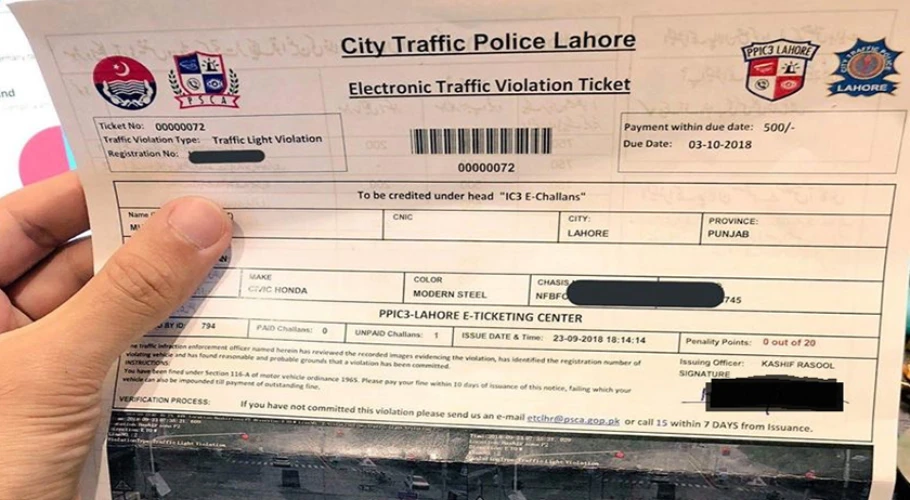
A new online system has been launched that allows citizens to cancel traffic challans issued by mistake — such as duplicate violations — without visiting any office or waiting in queues.
According to the authority, if a driver receives multiple challans for the same traffic offense due to a technical error, they can now submit a correction request directly from their mobile phone or computer.
How to Cancel a Duplicate Challan
-
Visit the e-Challan portal.
ADVERTISEMENT -
Enter your vehicle registration number and CNIC.
-
Choose the “Review” option to proceed.
-
Briefly describe the issue — for instance: “I received the same challan twice for the same date and time.”
Officials say the new digital process will make it easier to resolve complaints, reduce the pressure on in-person offices, and ensure that invalid or duplicate challans are quickly removed.
Users can also access the same service through the Public Safety app, available on both Android and iOS, which supports e-Challan review and management.